 MyTattooStencil
Printable Tattoo Stencil Maker
Turn your design into clean linework, ready to print at your size.
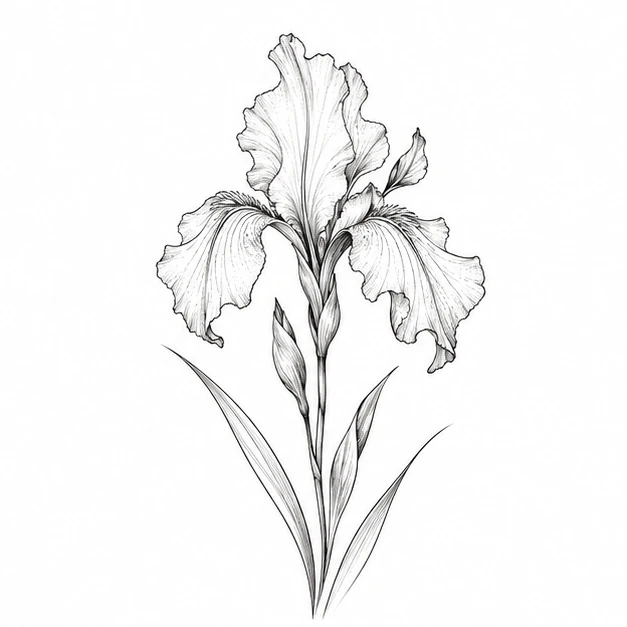
Bring your own design, or try this iris.
80 mm roll has 76 mm printable width.
0.38 mm minimum target
Advanced resolution
Mirror only if your transfer method needs it (e.g. copier-style machines).
Set scale to 100% / Actual size. Use ordinary paper for the Test page.
Browse printable stencilsFind its place
See how your design sits on the body.
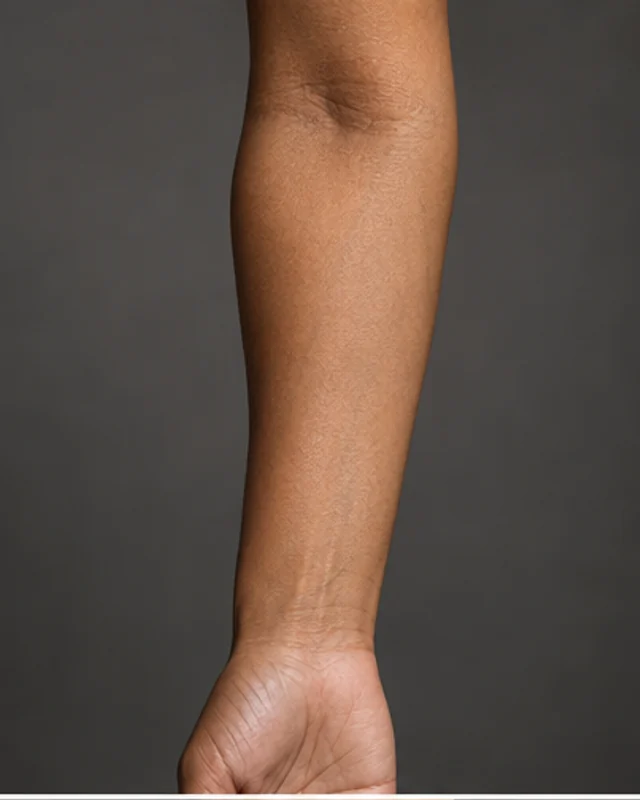
Drag to place your design. Generated body references show approximate scale; ask your artist to confirm the fit.
How do I get clean outlines?
Use a sharp source image on a light background. Begin with outline mode and a low thickness, then increase the threshold until stray marks disappear. Inspect small details before printing.
What does the ruler prove?
The PDF uses 72 points per inch. A 10 cm ruler should measure 100 mm when printed at actual size. Printer margins and fit-to-page settings can change physical output; measure before making a transfer.
Questions, answered.
Which images can the stencil maker open?
Upload a PNG, JPEG or WebP you have permission to adapt, up to 10 MB. The browser processes the design locally.
How do outline and shading modes differ?
Outline emphasizes edges; shading retains more dark areas. Compare both at your intended print size.
What does the threshold slider change?
It changes the separation of dark detail from the background. Adjust gradually while watching small gaps and contours.
Why is stencil download unavailable at first?
Upload a design or select Stencil on a result. The PDF button becomes available after a stencil is ready.
How do I verify the exported PDF scale?
Print at 100% or Actual size. Measure the 10 cm calibration square; it should be 100 mm, within 2 mm, before use.
Keep exploring
AI-generated, for reference only. Consult a licensed tattoo artist before tattooing. We do not provide medical advice.