 MyTattooStencil
How to Make a Tattoo Stencil
Start with a clear design, turn it into pure black and white, and remove details that will not print cleanly.
Print preparation checklist
- Prepare
- Simplify and remove noise; Contour remains readable
- Size
- Set width and paper; Automatic aligned tiles
- 100% / Actual size; 10 cm calibration square measures 100 mm
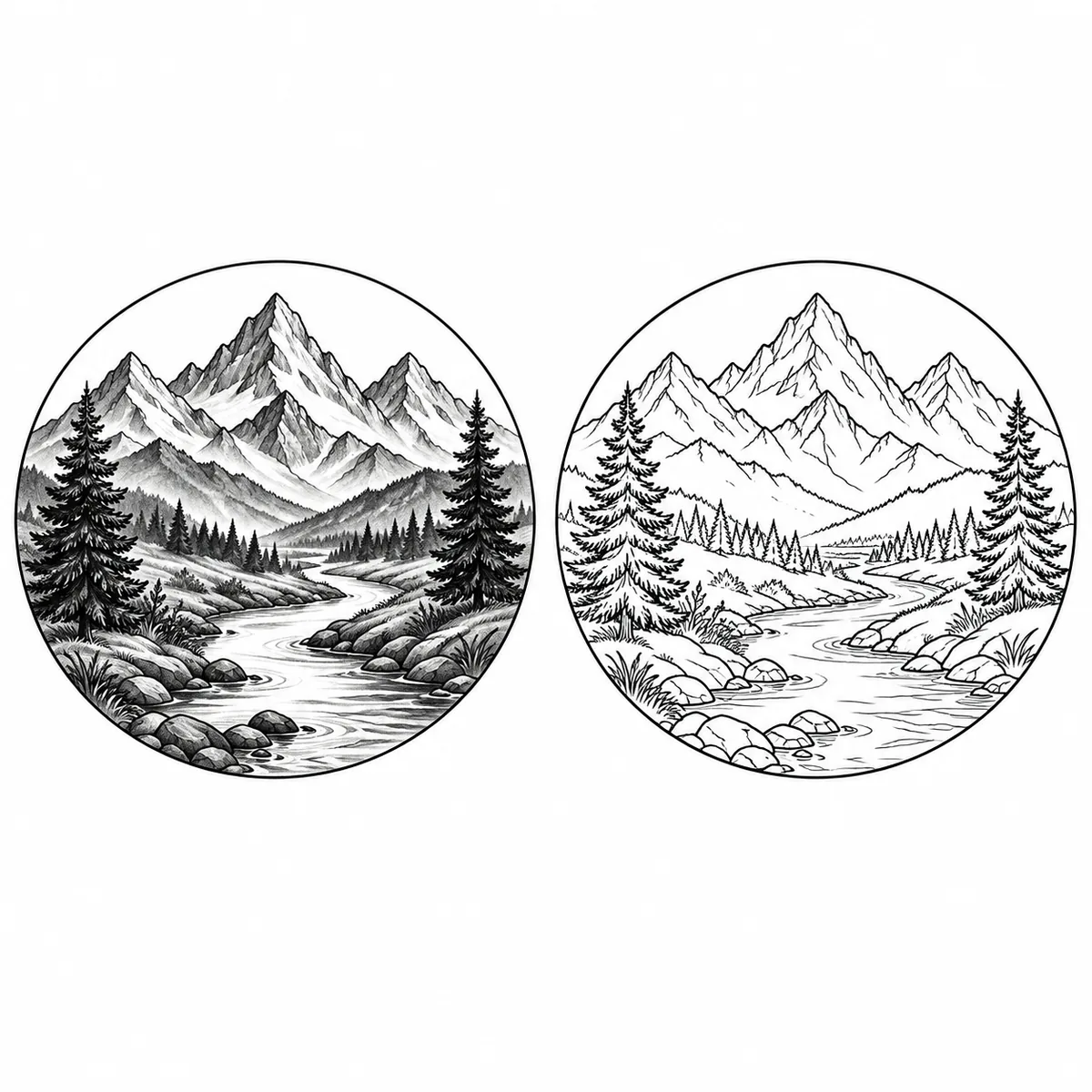
1. Prepare the design
Use an original design you have permission to adapt. Open the stencil maker and select outline or shading. Remove noise without erasing the main silhouette.
2. Set size and direction
Choose A4 or Letter and enter the design width. Large designs are tiled across multiple pages with alignment marks. Ask your artist whether the transfer needs a mirror image.
3. Check the print
Select Actual size or 100%, with fit-to-page disabled. Measure both the centimeter and inch rulers. If the 10 cm line differs by more than 2 mm, correct the printer settings and print again.
Questions, answered.
What is the first step in making a tattoo stencil?
Start with a clear original design on a light background. Remove detail that will not remain readable at the target size.
When should I mirror a stencil?
Mirror only when your artist’s transfer process requires it. Confirm orientation before exporting and printing.
Should I select Fit to page in my printer settings?
No. Select 100% or Actual size to preserve the PDF’s physical dimensions.
What if the printed ruler is the wrong length?
Correct scaling and paper settings, then reprint. Do not use a transfer whose 10 cm calibration square differs by more than 2 mm.
Can the PDF teach me how to tattoo skin?
No. It is a printable reference for a licensed artist, not a guide to performing a tattoo procedure.
Keep exploring
AI-generated, for reference only. Consult a licensed tattoo artist before tattooing. We do not provide medical advice.